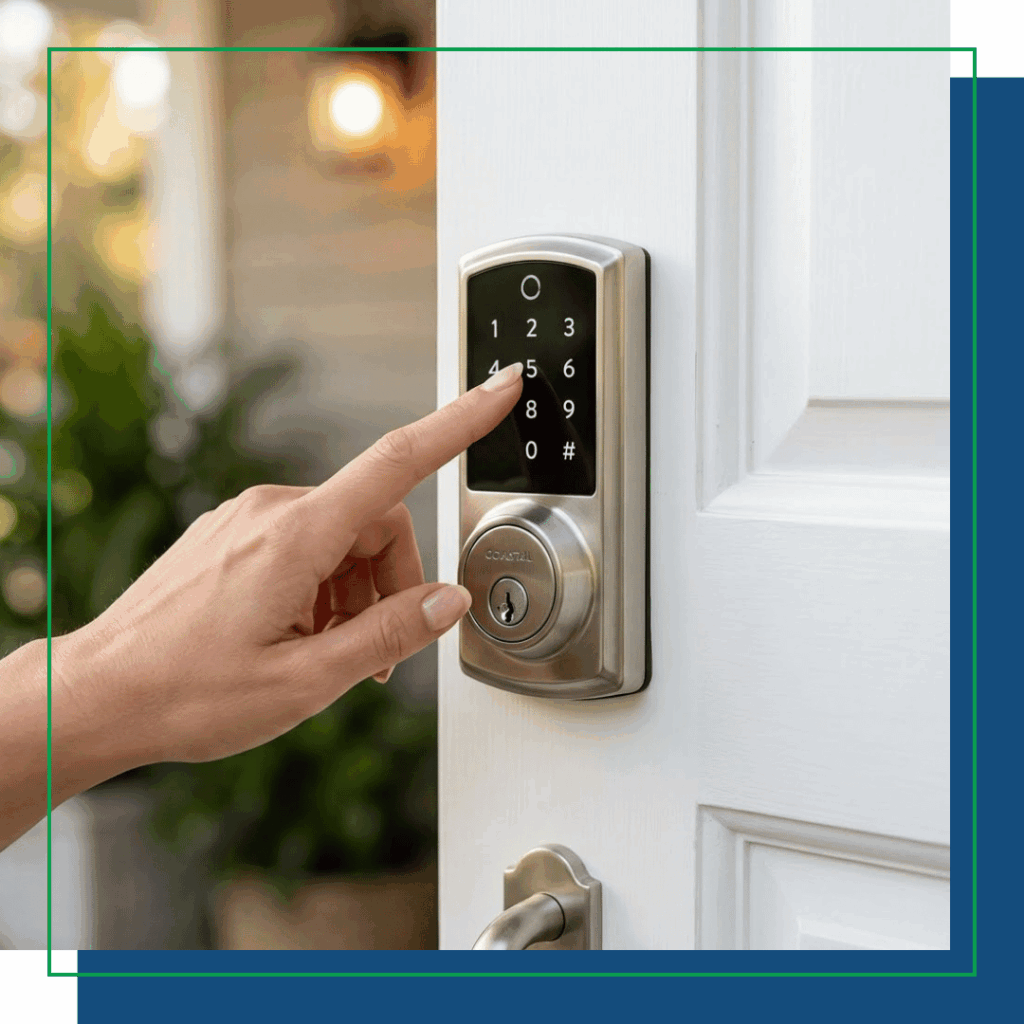
Z-Wave vs. Zigbee vs. Wi-Fi: Which Module Should You Buy?
Quick decision guide:
- Want the simplest setup with nothing extra to buy? → Wi-Fi
- Already have a security system or Z-Wave hub? → Z-Wave
- Managing a property already on Zigbee, or want to bet on Matter? → Zigbee
- Not sure yet? → Start with Wi-Fi and add a module later if your needs change.
Shopping for a Yale Pro 2 Pushbutton Deadbolt, you’ll hit one confusing fork in the road: Z-Wave, Zigbee, or Wi-Fi? Yale makes this easier than most brands because the connectivity comes from a swappable smart module rather than being permanently built in, but you still need to pick one to start. Here’s what each option actually means for your day-to-day experience.
Wi-Fi: the easiest setup, no extra equipment
If you want the simplest possible setup, Wi-Fi is it. With the Wi-Fi Smart Module installed, the lock connects to your home router, just like your phone or laptop does. No separate hub required, and Yale’s newer Wi-Fi module no longer even needs the old Connect Bridge box plugged in nearby.
The catch: every command, locking, unlocking, checking status from your phone, travels through Yale’s cloud servers. That means if your internet goes down, remote features stop working (though the pushbutton keypad and manual key still work fine, and DoorSense will still tell you locally whether the door is shut). Wi-Fi locks also tend to use a bit more battery than the alternatives, since Wi-Fi radios draw more power than the low-energy protocols built for smart home devices.
Best for: Renters, first-time smart home buyers, or anyone who doesn’t want to own a separate hub.
Z-Wave: better range, works with security systems, future leaning
The Z-Wave (Options include: ZW2, ZW3 , ZW4) module communicates on a different radio frequency than your Wi-Fi network, which means less interference and better signal penetration through walls and doors. It also builds a “mesh” with your other Z-Wave devices, so each additional gadget can actually help relay signals further across your house. Z-Wave devices can communicate up to 50-100 feet indoors or 300 feet outdoors, however, because Z-Wave uses a mesh network, you can extend this reach significantly.
Z-Wave requires a hub, something like a Samsung SmartThings, Alarm.com Verizon or AT&T Hub, or an Aeotec smart home hub. If you already have one of these, or you’re outfitting a rental property alongside a security system, Z-Wave is a strong fit. The Pushbutton Deadbolt’s one-touch Z-Wave Plus enrollment also makes it easy for a property manager or installer to add several units to the same system quickly.
Best for: Homes with an existing Z-Wave hub, security system integration (Ring Alarm, SmartThings, ADT, Alarm.com), or rental units managed alongside other Z-Wave locks.
Coastal Protection, Inc. highly recommends using Z-wave Modules for ease of integration and future security enhancements.
Zigbee: efficient & mesh-friendly
Zigbee shares the same general frequency band as Wi-Fi, but it’s designed to sip power, which is good news for battery life on a keypad deadbolt that’s often installed and forgotten for a year at a time. Like Z-Wave, it needs a compatible hub (Samsung SmartThings and Amazon Echo devices with a built-in hub are common examples), and it builds a mesh network with other Zigbee gear in the building.
Best for: Multi-family or rental properties already using Zigbee-based access systems, or buyers thinking ahead to Matter compatibility.
The good news: you’re not locked in
Because the Yale Pro 2 Pushbutton Deadbolt or Yale Assure Lever uses a replaceable smart module rather than soldering the radio permanently into the lock, this isn’t a forever decision. If you buy the Wi-Fi version and later add a Z-Wave or Zigbee hub, you can pick up the matching module separately and swap it in yourself in a few minutes, no need to replace the whole deadbolt.